By default, wandb.init starts a process that syncs metrics in real time to the cloud. For offline use, set two environment variables to enable offline mode and sync later. Set the following environment variables:
  1. WANDB_API_KEY=$KEY, where $KEY is an API key created at User Settings.
  2. WANDB_MODE="offline".
Here is an example of implementing this in a script:
import wandb
import os

os.environ["WANDB_API_KEY"] = "YOUR_KEY_HERE"
os.environ["WANDB_MODE"] = "offline"

config = {
    "dataset": "CIFAR10",
    "machine": "offline cluster",
    "model": "CNN",
    "learning_rate": 0.01,
    "batch_size": 128,
}

with wandb.init(project="offline-demo") as run:
    for i in range(100):
        run.log({"accuracy": i})
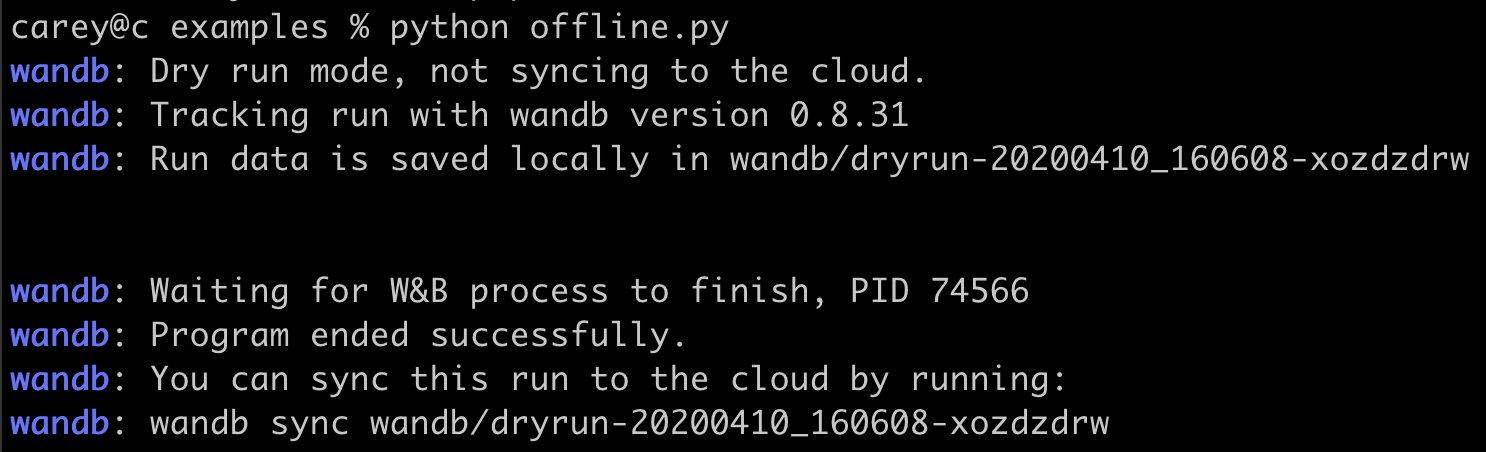
Sample terminal output is shown below:
Offline mode terminal output
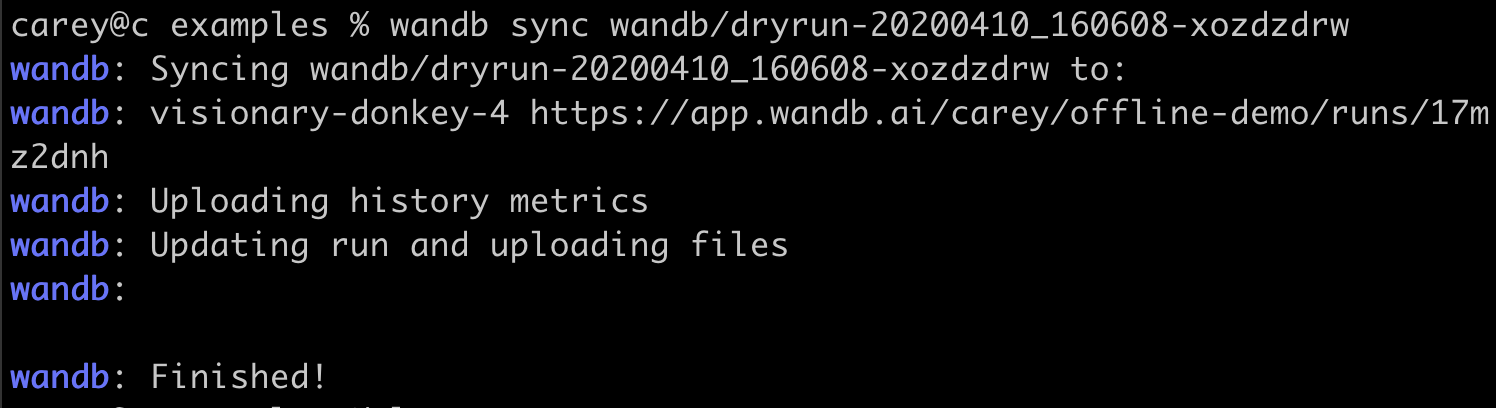
After completing work, run the following command to sync data to the cloud:
wandb sync wandb/dryrun-folder-name
Cloud sync terminal output

Experiments Environment Variables Metrics